
Go Adelaide2.1.4 - Google Play
You'll be able to see results in few seconds.
Publisher Description
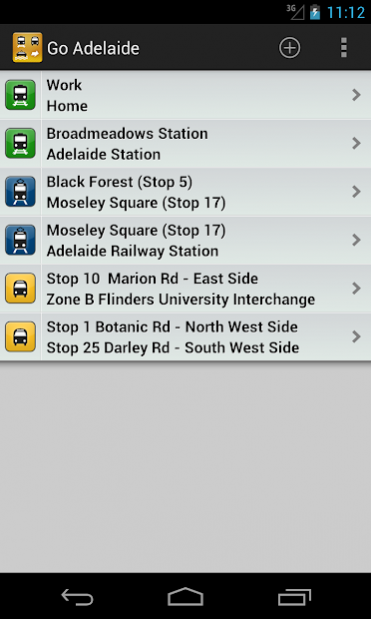
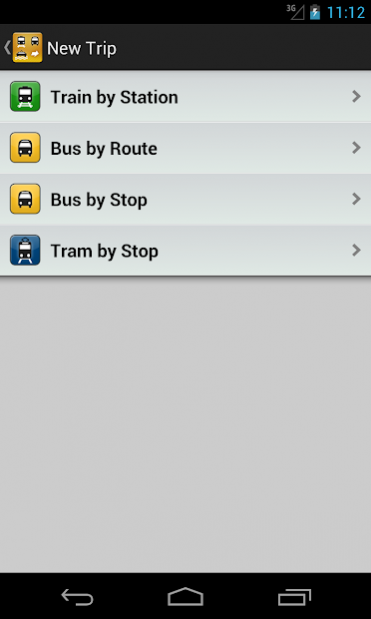
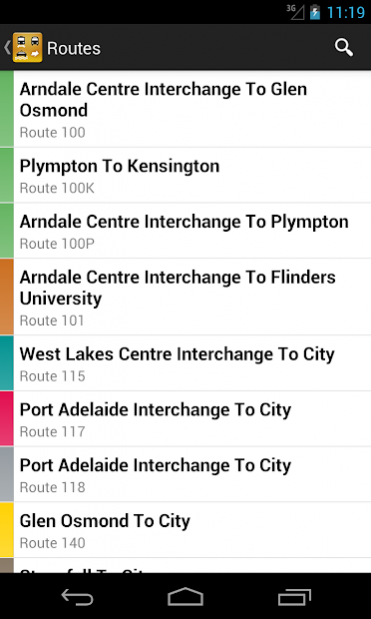
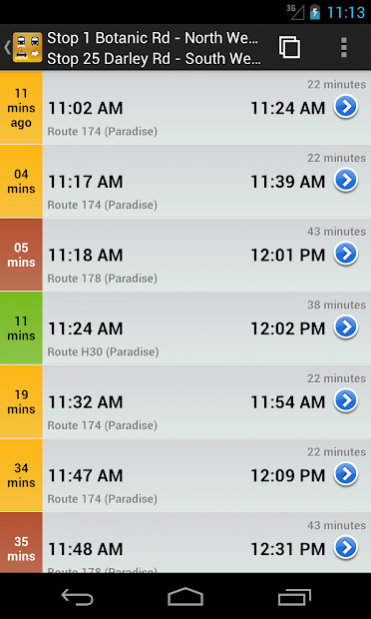
COMPLETE ADELAIDE PUBLIC TRANSPORT INFORMATION IN YOUR HANDS
Go Adelaide displays Adelaide Trains, Buses and Trams timetables data on your Android Phone.
All timetable data is stored on your phone, so it does not require any network access.
Features:
- Favourites: Save your stops for quick access to departure information
- Over the air updates: Get the most up to date timetables as they are generated.
- Location Search: Find your closest station or terminal, searching by name or GPS.
- Summary view allows you to scroll through all matching trips for the week, showing ETA and arrival/departure times
- Reverse a trip option.
- Get directions to nearest stations, using GPS
- Automatically selects weekday/weekend timetable
- Supports services that only run on select days (e.g. late night Friday/Saturday)
NOTE: Timetable data is derived from the web based timetables, so it does not take into account any delays or cancellations. Best efforts are taken to ensure timetable accuracy, but no guarantees are made. If you find an error in the timetable, please email contact@oaksystems.com.au with details, and it will be fixed in the next release.
If you have any ideas or find any bugs please contact us. We are working hard to create the best Android Phone application for Adelaide.
Follow us on Twitter for regular updates: http://twitter.com/gotransitapps
About Go Adelaide
The company that develops Go Adelaide is OAK Systems Enterprise. The latest version released by its developer is 2.1.4.
To install Go Adelaide on your Android device, just click the green Continue To App button above to start the installation process. The app is listed on our website since 2014-08-29 and was downloaded 0 times. We have already checked if the download link is safe, however for your own protection we recommend that you scan the downloaded app with your antivirus. Your antivirus may detect the Go Adelaide as malware as malware if the download link to au.com.oaksystems.goadelaide is broken.
How to install Go Adelaide on your Android device:
- Click on the Continue To App button on our website. This will redirect you to Google Play.
- Once the Go Adelaide is shown in the Google Play listing of your Android device, you can start its download and installation. Tap on the Install button located below the search bar and to the right of the app icon.
- A pop-up window with the permissions required by Go Adelaide will be shown. Click on Accept to continue the process.
- Go Adelaide will be downloaded onto your device, displaying a progress. Once the download completes, the installation will start and you'll get a notification after the installation is finished.
Program Details
System requirements
Download information
Pricing
Version History
version 2.1.4
posted on 2014-08-29
Fixed the crashing issue reported by some users.
version 1.2.2
posted on 2012-05-01
Several fixes and updates
Disclaimer
Official Google Play Link
We do not host Go Adelaide on our servers. We did not scan it for viruses, adware, spyware or other type of malware. This app is hosted by Google and passed their terms and conditions to be listed there. We recommend caution when installing it.
The Google Play link for Go Adelaide is provided to you by apps112.com without any warranties, representations or guarantees of any kind, so access it at your own risk.
If you have questions regarding this particular app contact the publisher directly. For questions about the functionalities of apps112.com contact us.
